














ALOgum | How to Download APKs, Key Features, Pros, and Cons
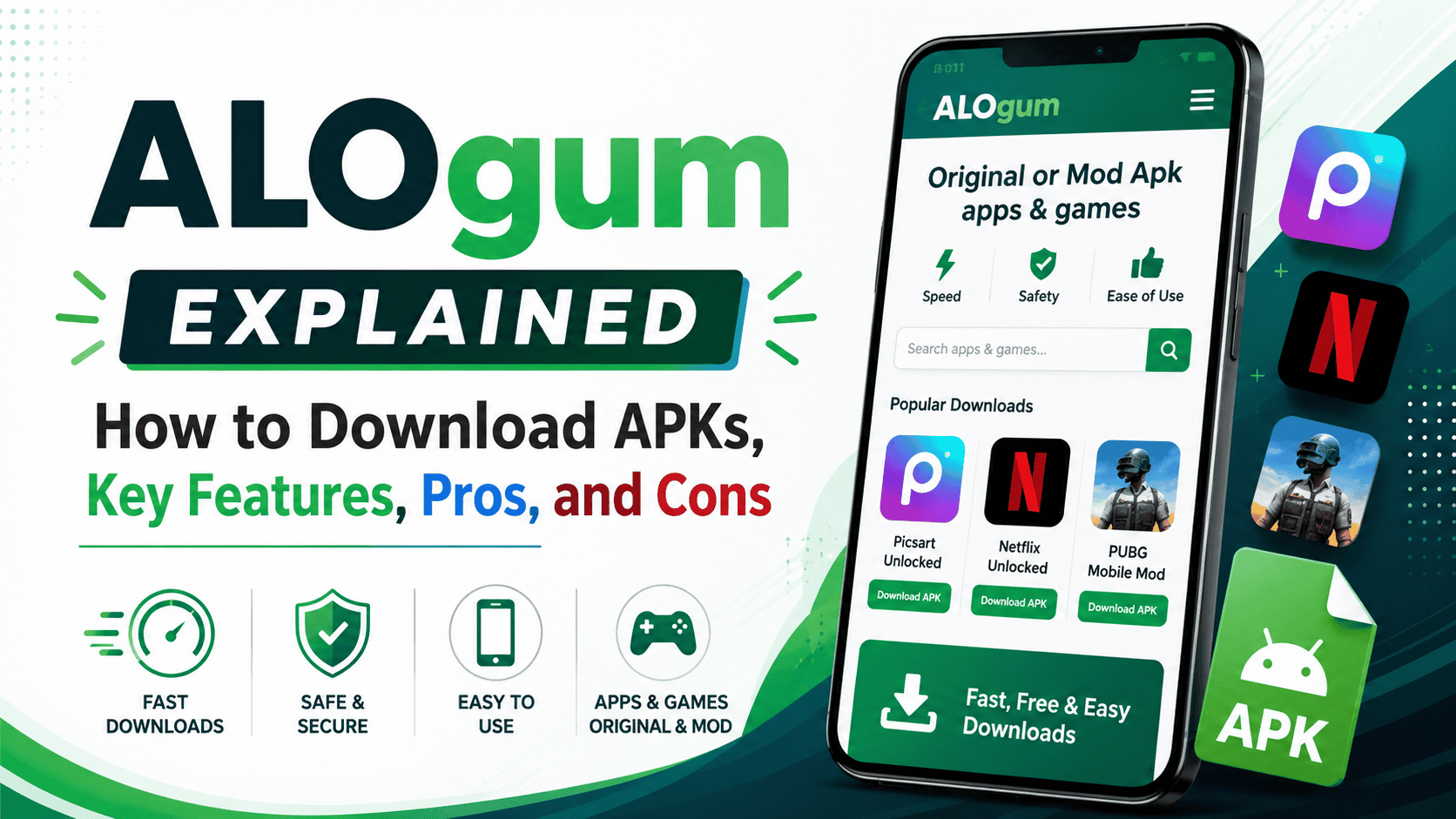
ALOgum is a free website for Android that offers apps and games (APK files), including both original and modded (modified) versions. Users can search or browse categories to find popular apps – for example, unlocked versions of Picsart and Netflix are listed for download. The site emphasizes fast, free downloads of “Original or Mod Apk apps & games” with a focus on “Speed, Safety, [and] Ease of Use”.
What is ALOgum?
ALOgum is an online app repository (APK download site) founded in 2021. It targets Android users who want modified or premium apps. The site’s own description says it offers “millions of Mod APK apps & games” and selects the best mods from “trustworthy Internet sources”. ALOgum’s goal is to provide high-quality, stable modded apps: it tests many versions, uses user feedback, and shares only top-rated mods. The company claims to follow copyright rules (DMCA) as it adds new apps. In practice, ALOgum provides free APK downloads of many apps (including paid or premium ones unlocked) and modded games (like those with unlimited coins or unlocked levels).
Key Features of ALOgum
- Huge App Library (Free Modded/Premium Apps) – ALOgum advertises “millions of Original or Mod APK apps & games” available for free download. It includes popular Android apps and games, often in unlocked or modified forms. For example, listings on ALOgum include “Picsart Photo Editor (Unlocked Gold/Premium Features)” and “Netflix (Premium Unlocked)”. It also offers game mods such as “Plants vs. Zombies (Unlimited Coins)”.
- Premium Unlocked Features – Many apps on ALOgum are full or “pro” versions unlocked. For example, “Nova Launcher Prime Unlocked” (a paid launcher) and “Adobe Lightroom Premium Unlocked” appear on the site. This means users can get paid app features (like advanced editing tools) without paying for the official version. Modified games with cheats (unlimited coins, lives, etc.) are also common.
- Wide Categories – The site organizes content into broad categories for games and apps. Under Games you’ll find Action, Adventure, Racing, Strategy, etc. Under Apps there are categories like Entertainment, Tools, Productivity, Music & Audio. This makes it easy to browse by interest. A search bar is also available for finding specific titles.
- Fast Downloads and User Experience – ALOgum’s homepage highlights “Speed, Safety, Ease of Use”. Download links are typically direct, aiming for quick downloads. The interface is simple: you click an app listing and tap the download button. The site has a clean layout with basic navigation and supports multiple languages (Vietnamese and Indonesian are listed). No account or login is required – users can start downloading immediately.
- Quality Mods via User Feedback – ALOgum claims to provide only working mods. The developers test many versions and rely on user feedback to filter out bad files. In theory, users rate or comment on mods, so the “best” ones remain. This community aspect helps ensure that the mods stay stable and functional.
- Additional Content – Besides APK downloads, the ALOgum site may include guides or news (“useful technology information every day”). It also provides pages for About, DMCA (copyright compliance), Terms, Privacy, and an explanation of how to install apps. This structure suggests an attempt at a professional presentation, even if the content is user-generated.
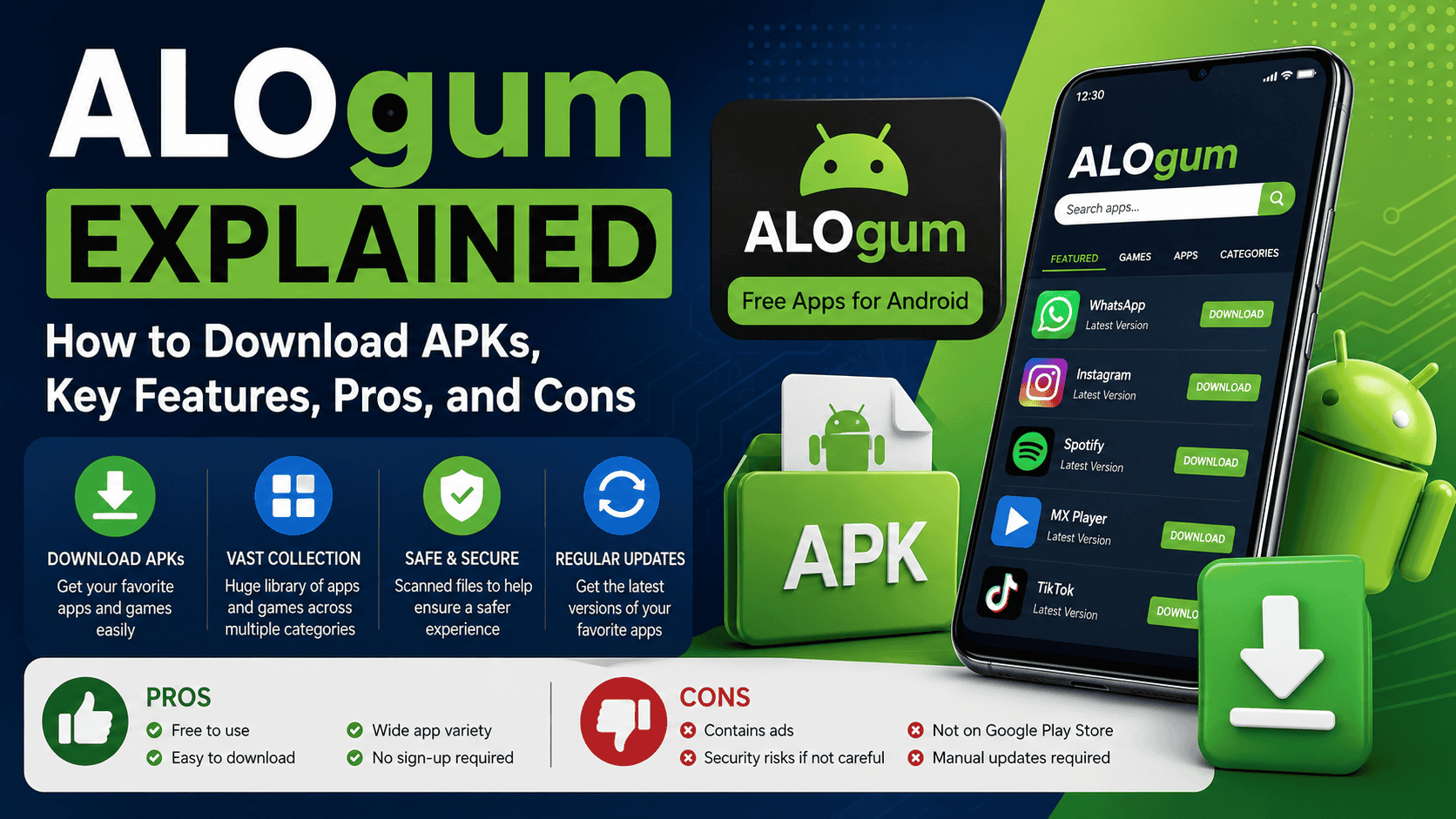
How to Download APKs from ALOgum
- Go to ALOgum’s website. Open a web browser on your Android device and navigate to alogum.io (the official site).
- Find the app or game. Use the search bar or browse the categories (Games, Apps, etc.) to locate the APK you want. For example, you might search for “Nova Launcher” or scroll to find games like “Plants vs. Zombies.”
- Open the app page. Tap the listing for your chosen app or game. This will open a detail page showing the version info and a download button. Verify that it matches what you want (e.g. version number, “Unlocked” or “Unlimited” features).
- Download the APK file. Tap the Download APK button on the page. ALOgum should start downloading the file directly to your device’s storage. (On most browsers, you’ll see the file downloading in the notification bar.) Wait for the download to complete.
- Enable installation from unknown sources. If this is your first time installing an APK outside the Google Play Store, you’ll need to allow your browser or file manager to install apps. Android may show a pop-up directing you to Settings – toggle on Allow from this source or Unknown sources for your browser/app. This permits the APK install.
- Check the downloaded file. Before installing, it’s wise to scan the APK for malware. ALOgum is a third-party site, so use antivirus software or Google Play Protect to scan the file. Also review the app’s permissions list when installing, as a safety measure.
- Install the APK. Locate the downloaded APK (usually in the “Downloads” folder) and tap it. Confirm any prompts to install the app. Once installed, the app will appear in your app drawer like any other. (You may then disable the “unknown sources” setting if you wish.)
These steps let you sideload apps from ALOgum. The site’s “How To Install” section likely gives similar guidance. Keep in mind that downloading APKs from the internet bypasses Google’s official vetting process, so always ensure your device security software is active.
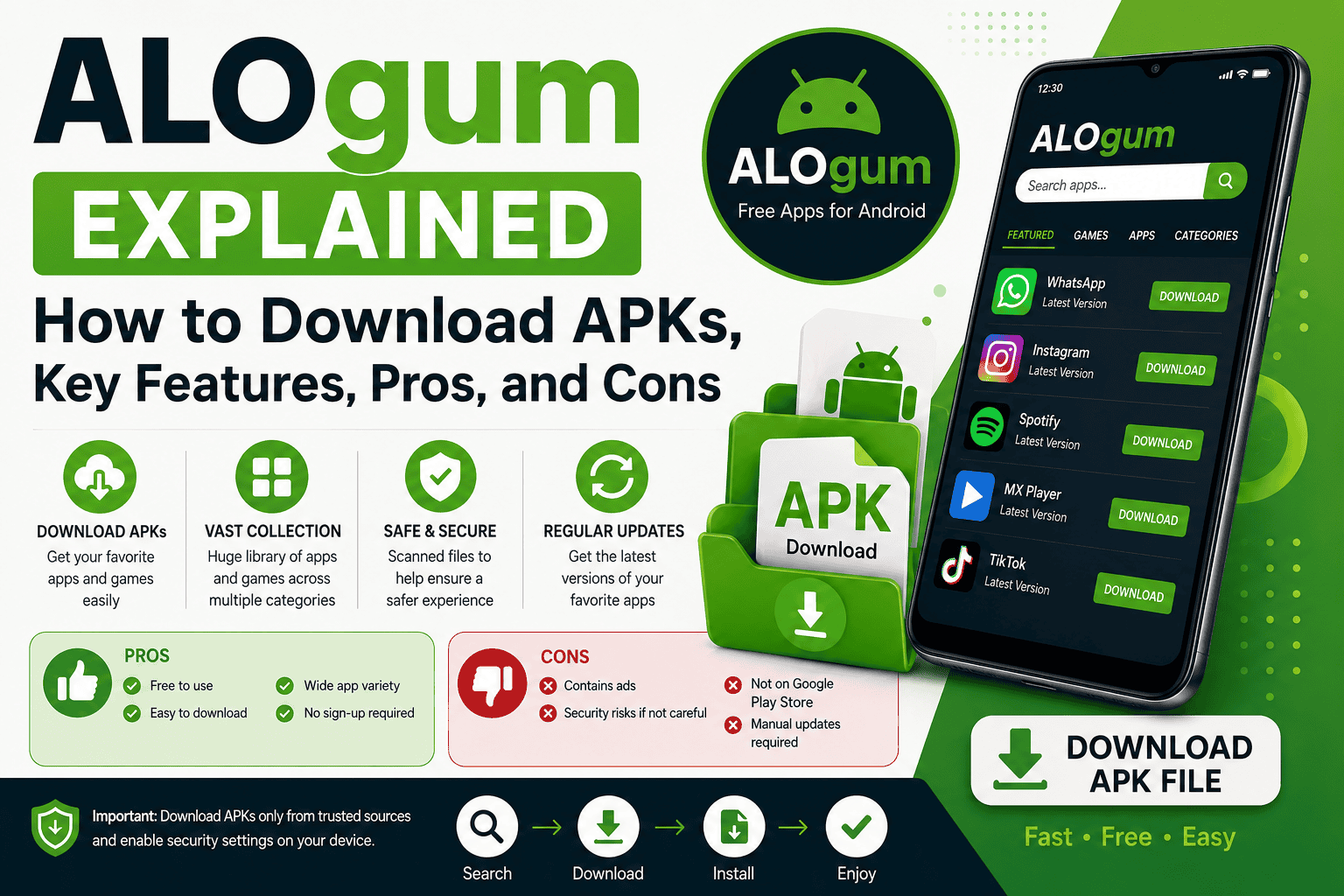
Advantages of ALOgum
- Free Access to Premium Apps and Games: ALOgum provides paid and premium apps at no cost. Users can get fully unlocked versions of apps like Nova Launcher Prime, Adobe Lightroom Premium, or games like Plants vs. Zombies with unlimited coins. This gives access to features that normally require payment.
- Access to Exclusive or Region-Locked Apps: The site can host apps that are not available on Google Play in certain regions or are removed from official stores. For example, some games or modified tools (like special emulators or streaming apps) might not be on the Play Store. Third-party APK sites like ALOgum let users install these restricted apps.
- Modified Features and Tweaks: Many apps on ALOgum have extra features not found in the official versions. For instance, modded video players may play in the background without ads, and games often come with cheats like infinite coins. These tweaks expand what the apps can do, which appeals to advanced users.
- Wide Variety and Quick Updates: With millions of apps listed, ALOgum has a broad selection. It often provides the latest mod versions faster than waiting for Google Play updates. In other words, sideloading lets you bypass Play Store review delays, so new features or fixes can be downloaded immediately.
- No Registration or Regional Restrictions: You can download without signing up or logging in. Because it’s web-based, users worldwide can access the site (though language options are currently limited to English, Vietnamese, and Indonesian). There are no country locks like on some official app stores.
- Community Feedback: ALOgum emphasizes user ratings. It claims to gather feedback on each mod so that high-quality versions are prioritized. This means popular, well-working APKs are easier to find, helping to reduce broken or malicious files over time.
Disadvantages of ALOgum
- Security and Malware Risks: ALOgum is not an official store, so its APKs are not pre-screened by Google’s security systems. As a result, files may contain hidden malware, spyware, or viruses. Security firms warn that sideloading APKs can compromise data or hijack devices if the source is not trustworthy. Users of ALOgum should be very cautious: always scan downloads with antivirus tools and only install if the file is verified safe.
- Lack of Automatic Updates: Apps installed via ALOgum won’t update through the Google Play Store automatically. Any new version must be downloaded and installed manually from ALOgum or another source. This means you might miss important updates or security patches unless you frequently check the site.
- Legal and Copyright Concerns: Many apps on ALOgum are modded or premium versions offered for free. This can violate copyright laws or terms of service agreements. Using or distributing premium content without authorization is often illegal. In some cases, using hacked apps could even risk user accounts (for example, streaming service accounts might get banned). The legality of downloading from ALOgum is unclear, so users should proceed at their own risk.
- Unstable or Incompatible Apps: APKs on ALOgum may not work perfectly on all devices. Because they are unofficial builds, they might crash, lag, or fail to run on certain Android versions or phone models. They also lack official support, so if a new Android update comes out, the modded app may break or not launch properly. Compatibility issues are more common than with official Play Store apps.
- Pop-up Ads and Redirects: (User experience) Websites offering free APKs often rely on ads for revenue. ALOgum may show pop-up ads or intermediary pages when you click download links. While this is not documented in our sources, users should expect some advertising since downloads are free. (Using an ad-blocker can help, but proceed with caution to ensure you click the correct “Download” button.)
- Trust and Authenticity: Finally, there is no guarantee of authenticity. The site claims to use “trustworthy sources,” but in practice anyone could upload a file. Without a reputation system like Google Play’s, it can be hard to know if a particular APK is genuine or tampered with. Stick to well-known titles and check comments if available.
Overall, ALOgum offers access to a vast range of free and modded Android apps, but it carries the usual downsides of any third-party APK site. As one tech article notes, these repositories allow “greater choice and customization” but come with “security threats, lack of updates, and potential legal issues”. Users who value free unlocked features may find ALOgum appealing, but should follow safety practices (scan files, check permissions, and use security software) to minimize risks.
Sources: Official ALOgum site and blog; Android third-party APK news articles. These provide details on ALOgum’s offerings and general pros/cons of sideloading APKs.